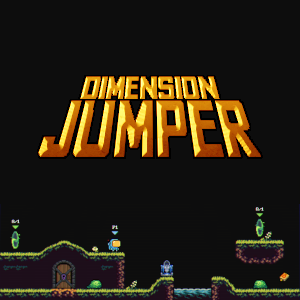
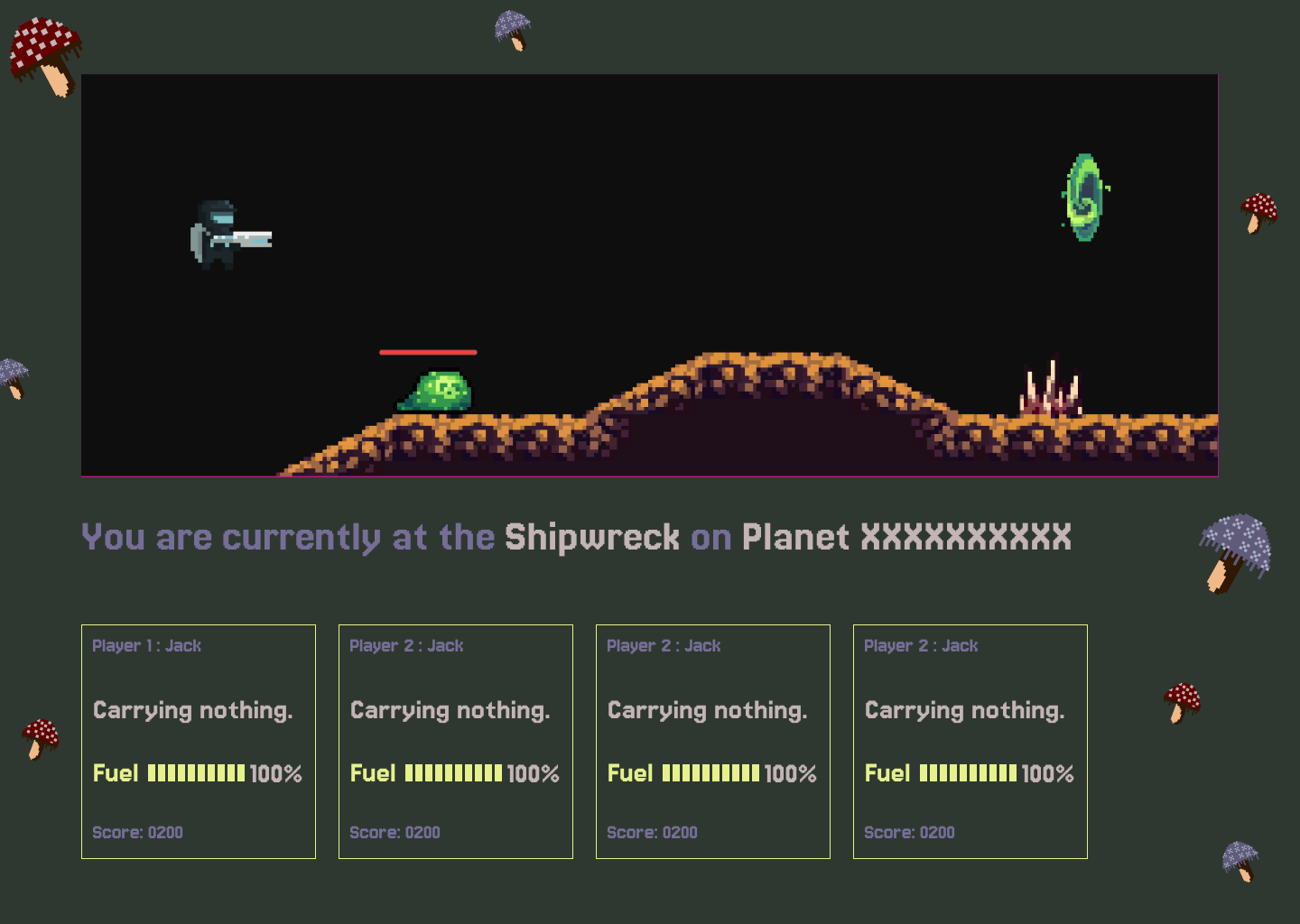
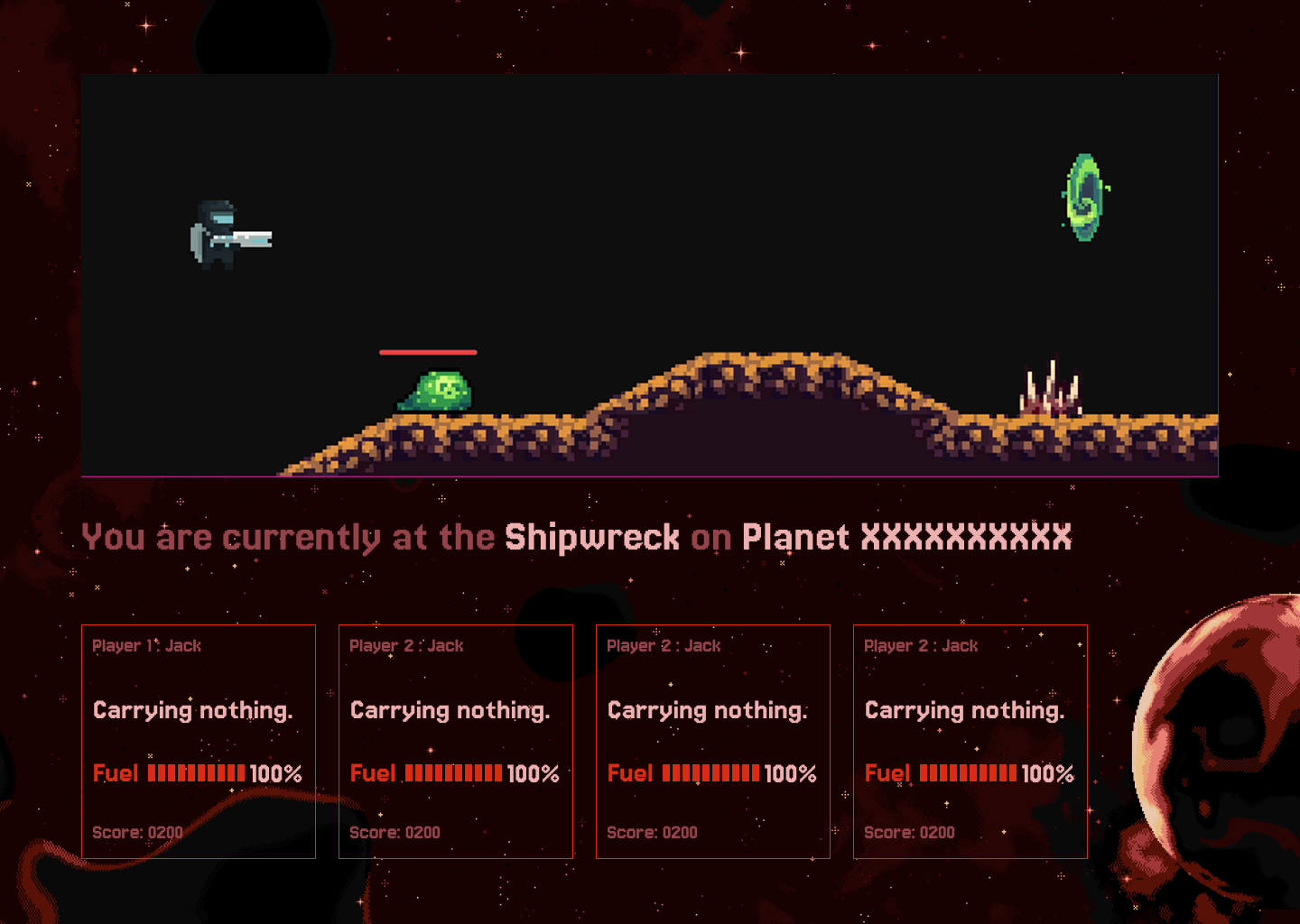
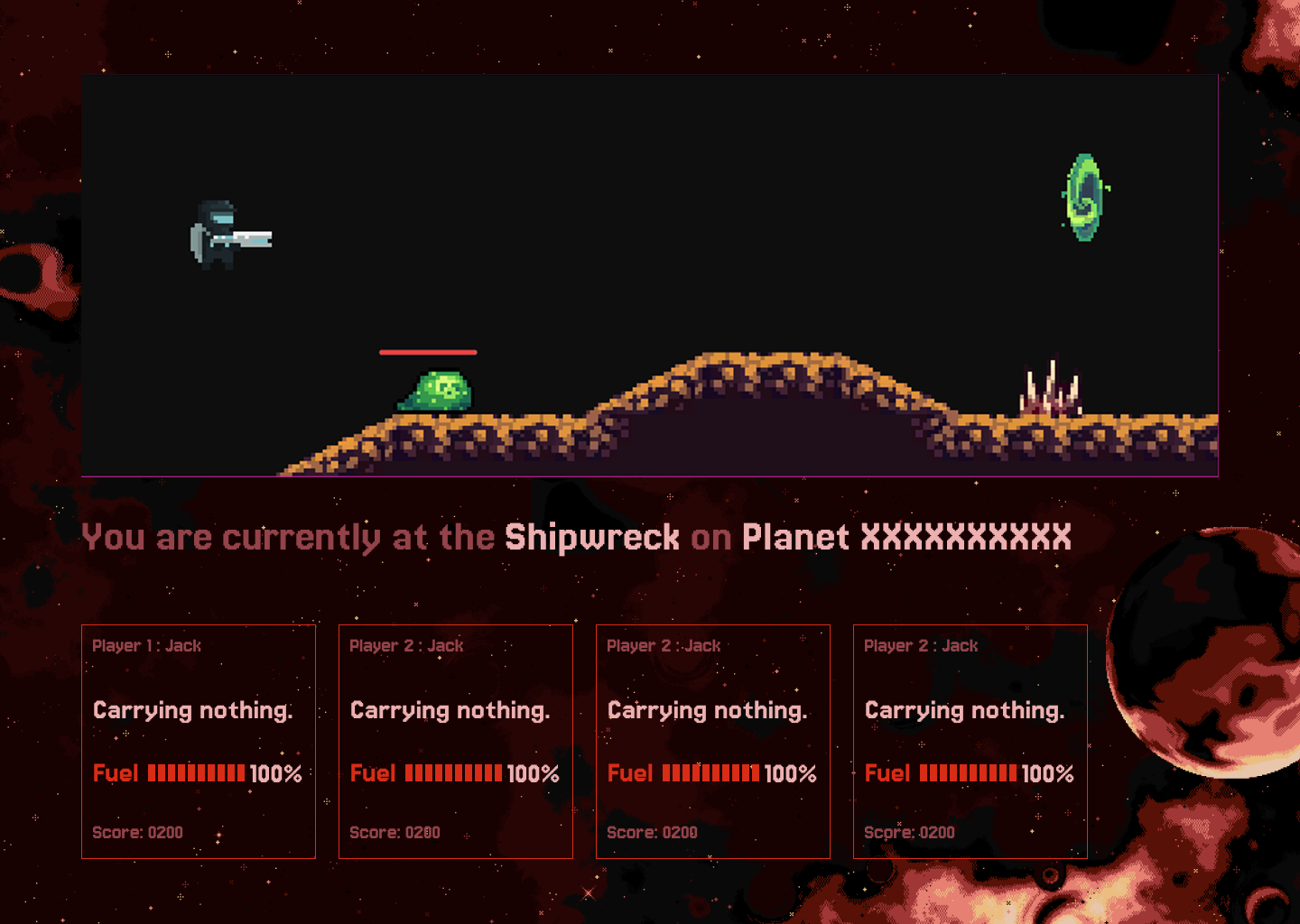
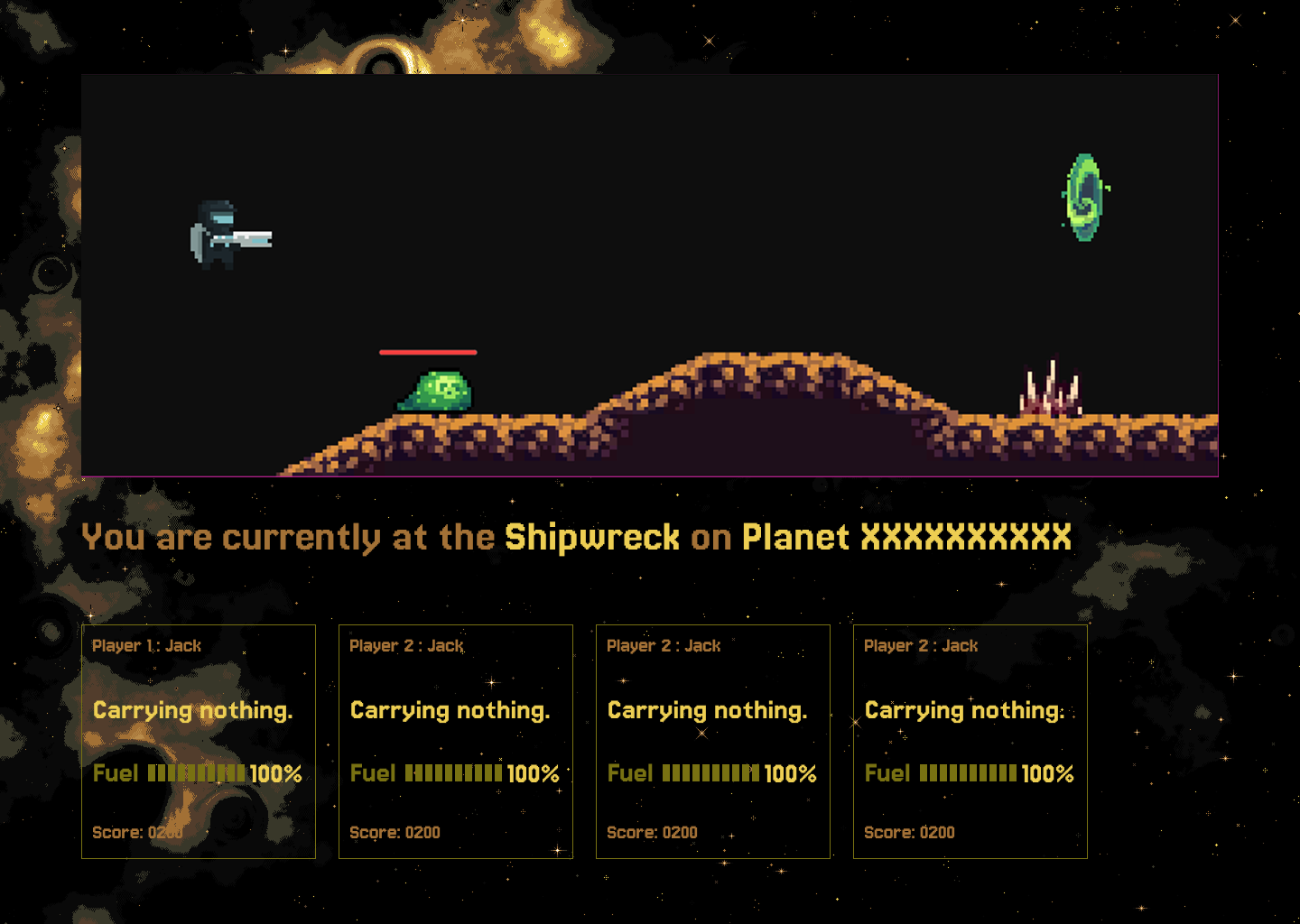
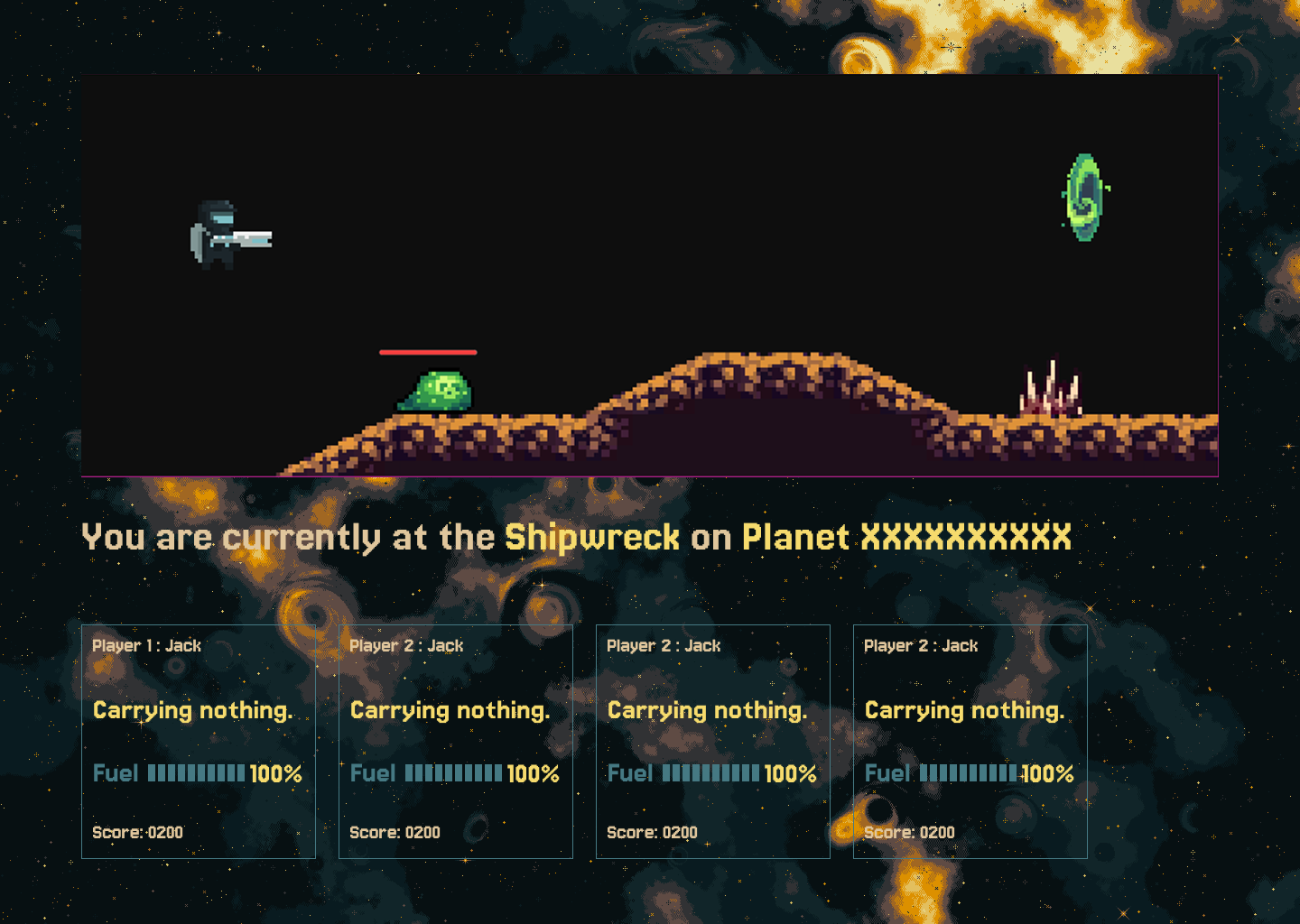
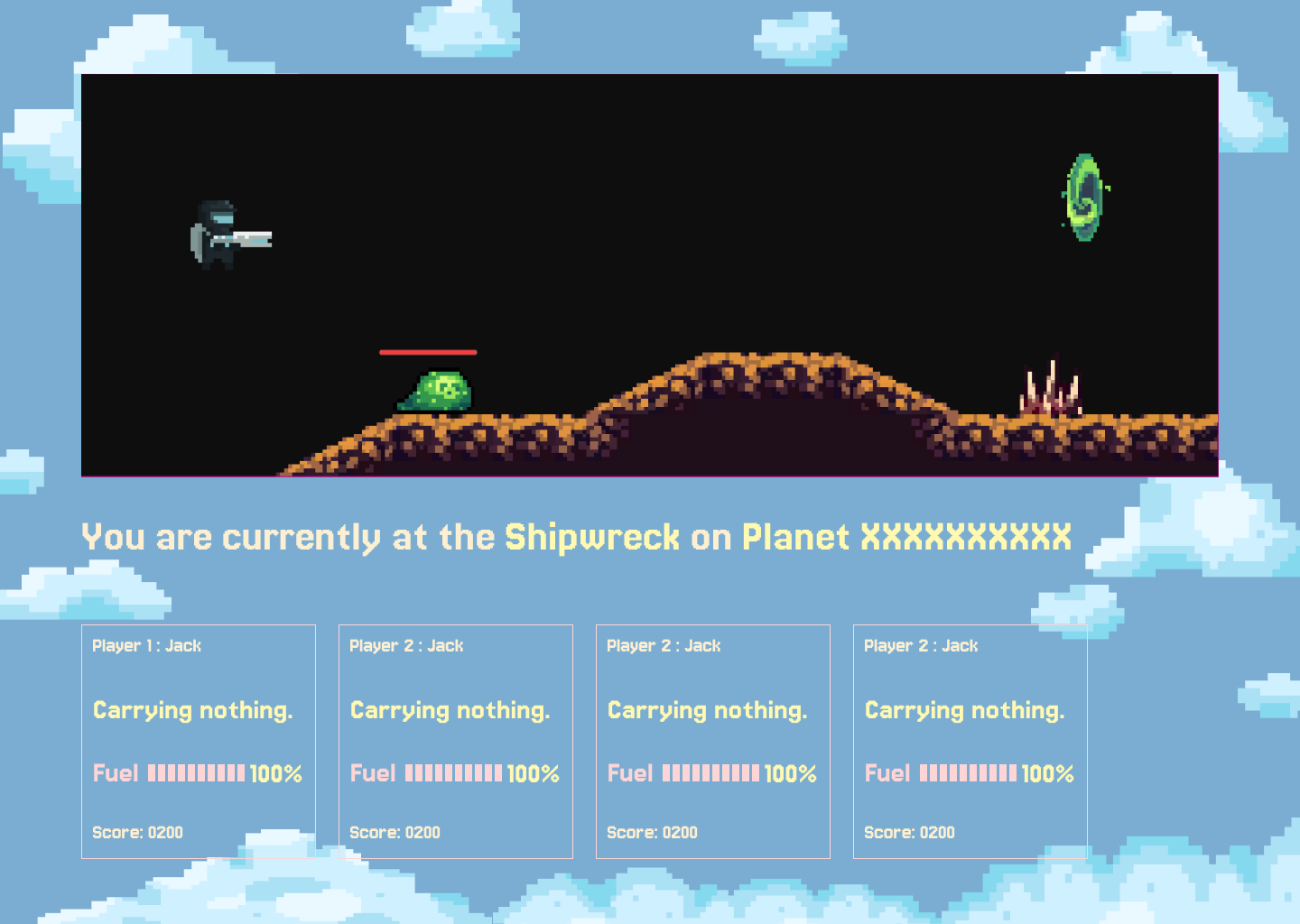
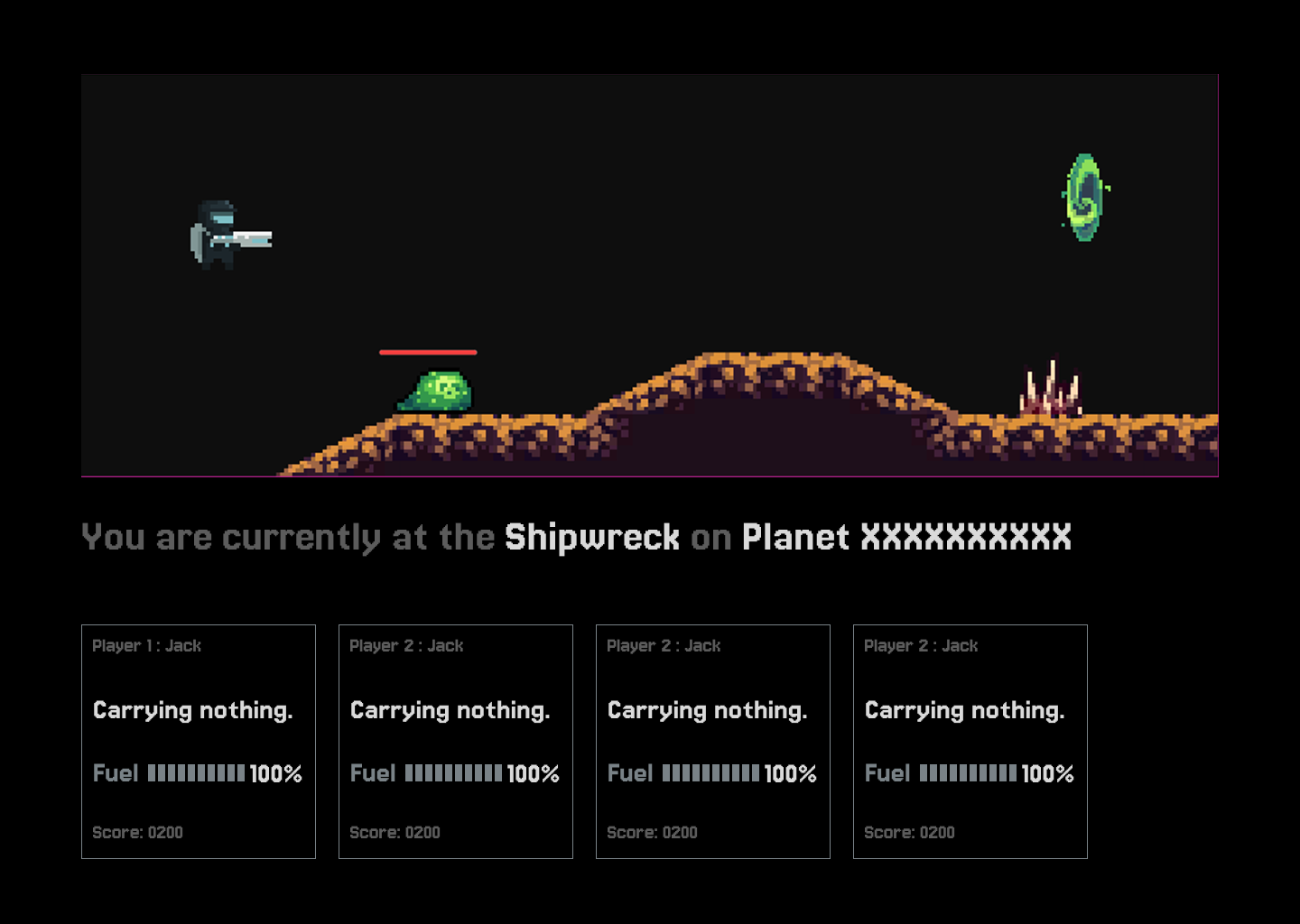
Inspired by the classic Sorcery+ (1985), Dimension Jumper 2 is a sequel game by Jack Self (creator of Dimennsion Jumper). It is a retro-inspired 2D Metroidvania platformer. Step into the boots of a solitary spaceman on a mission to reunite with his identical (but red) counterpart. Battle space slugs, robots, and spirits while collecting keys to unlock hidden secrets across 15+ rooms. My task was focused on creating different themes for the UI, as the player would be able to unlock different customized themes.
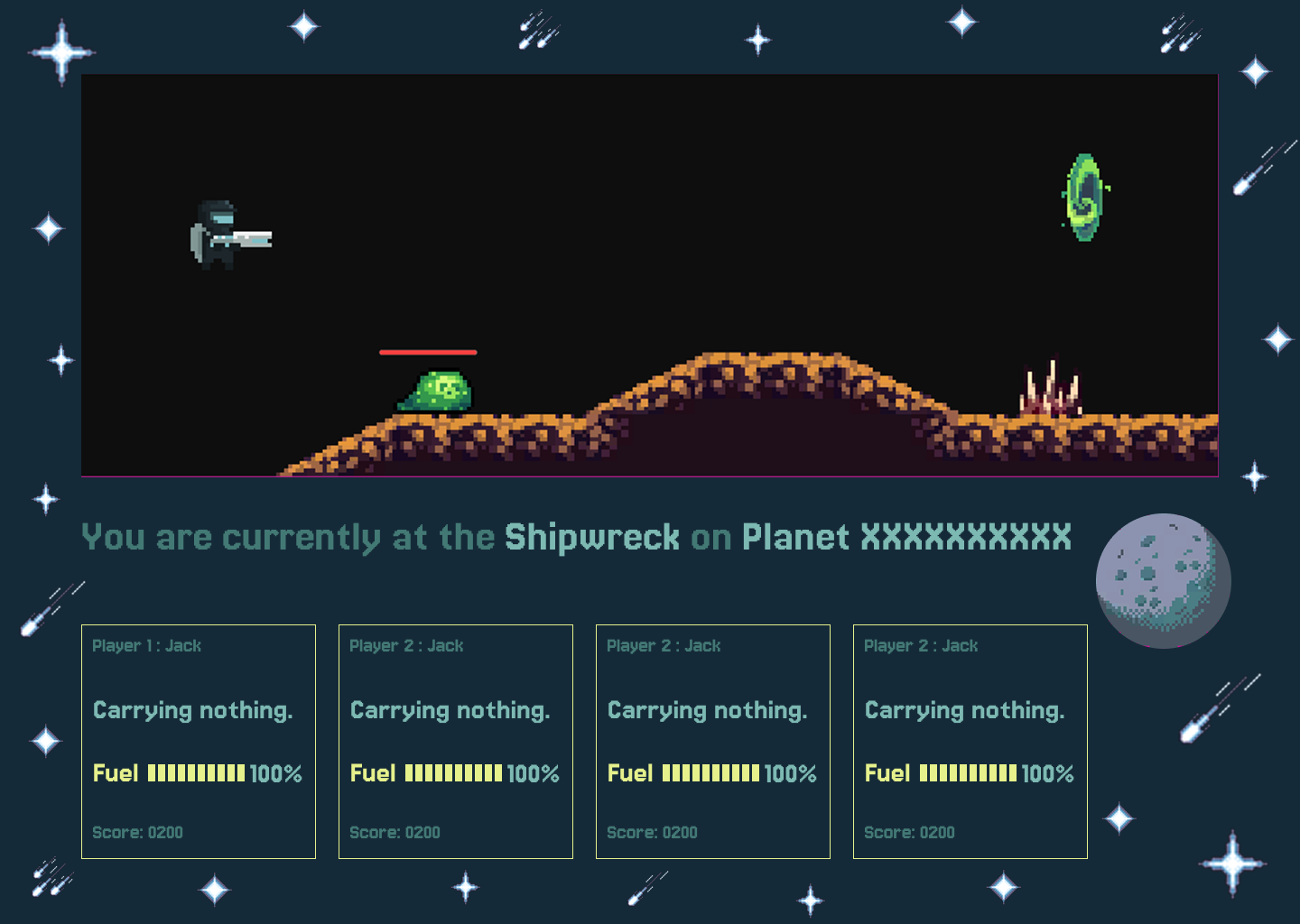
UI Theme 1
Classic space theme
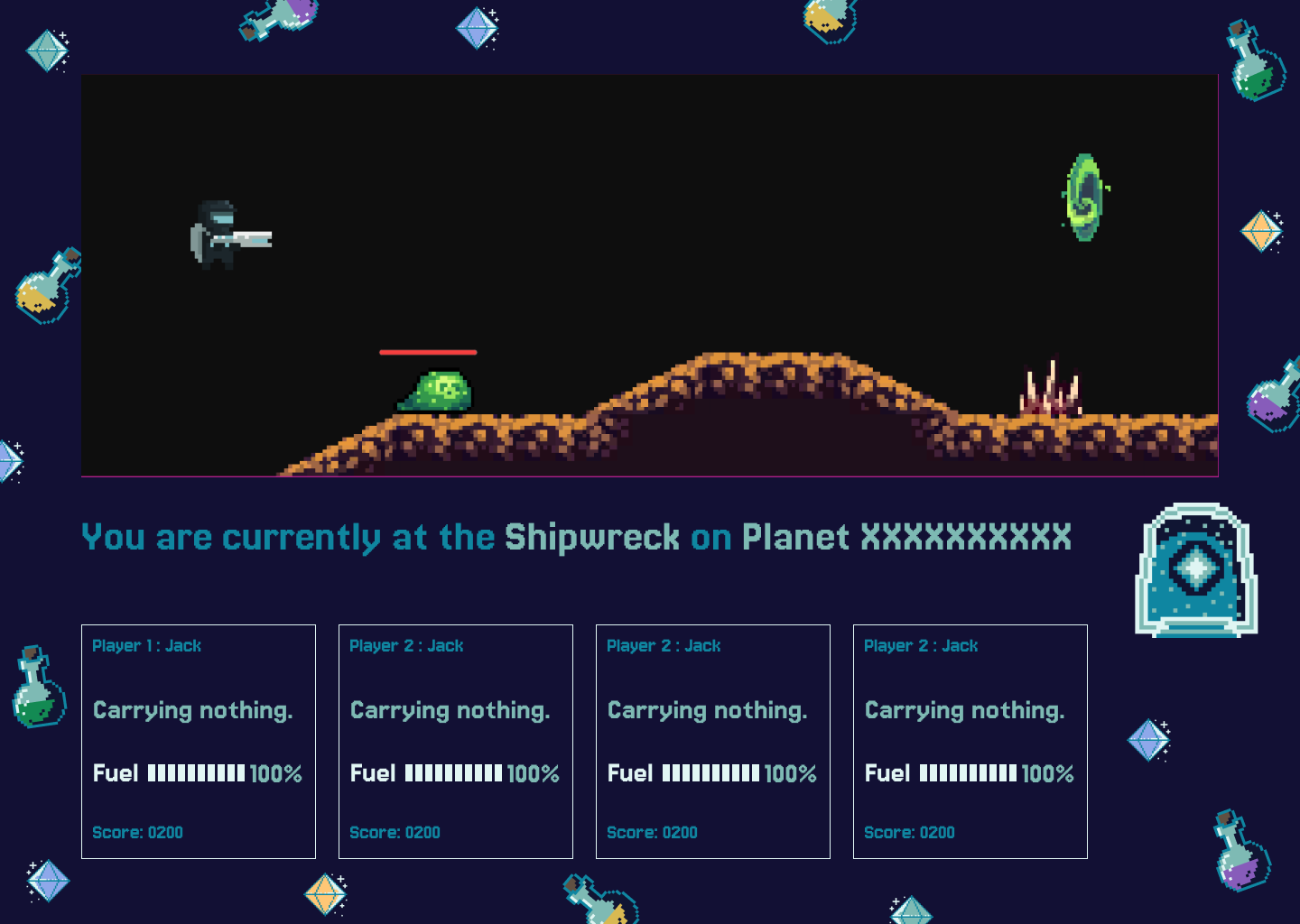
UI Theme 2
Magic potion theme
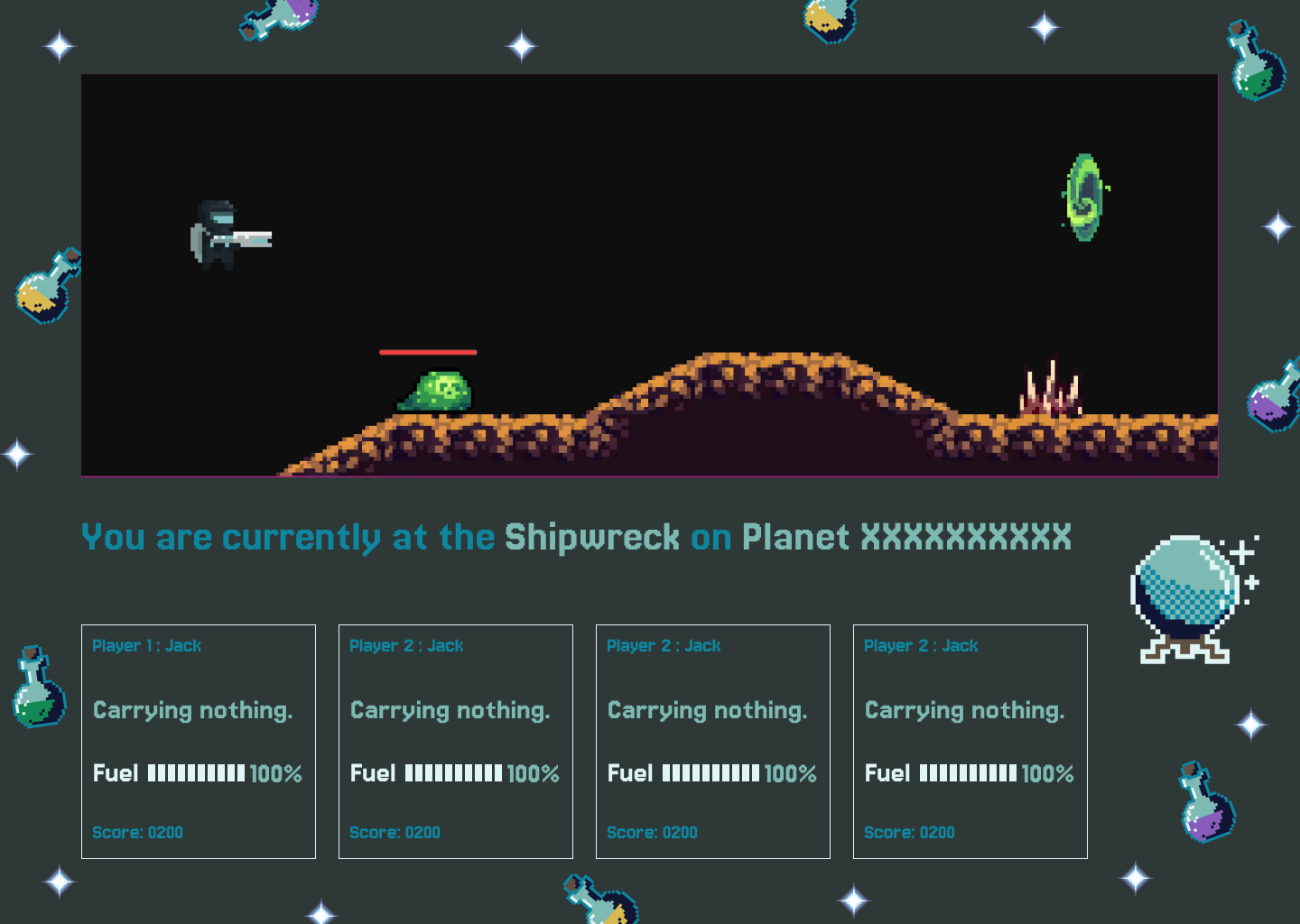
UI Theme 3
Magic potion theme version 2
UI Theme 4
Mushroom theme
UI Theme 5
Red space theme
UI Theme 6
Red space theme version 2
UI Theme 7
Yellow space theme
UI Theme 8
Yellow space theme version 2
UI Theme 9
Light sky theme
UI Theme 10
Classic B/W theme
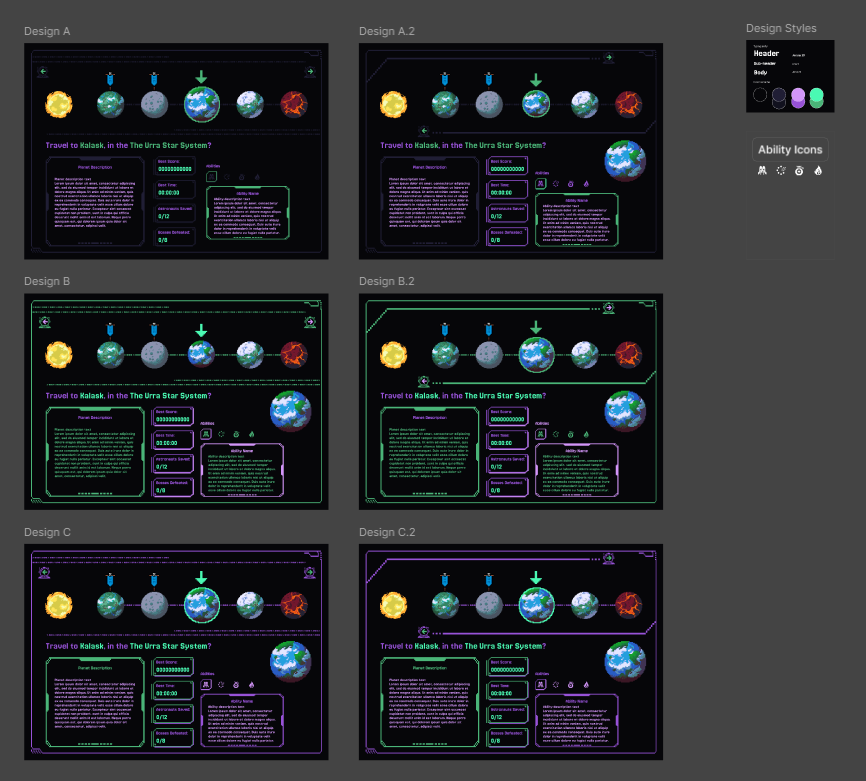
In addition to creating the UI themes, additional documentation was needed to help convey the different layout and assets.
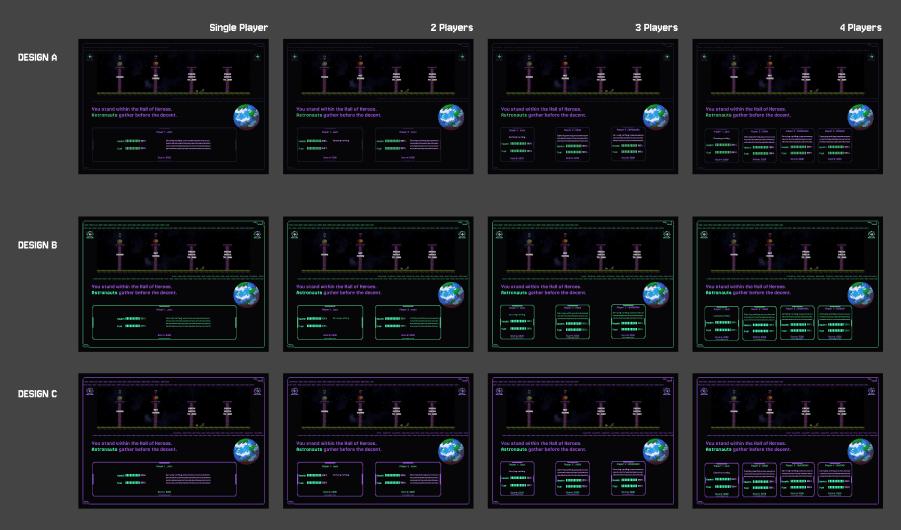
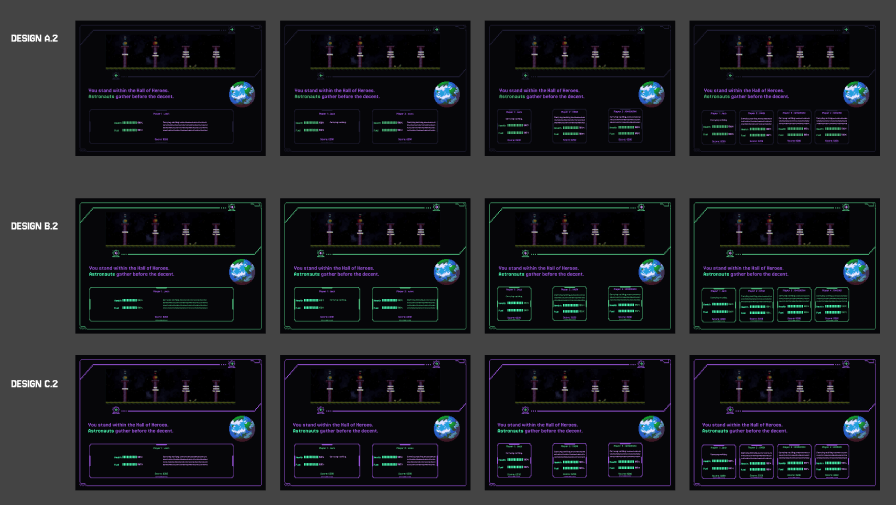
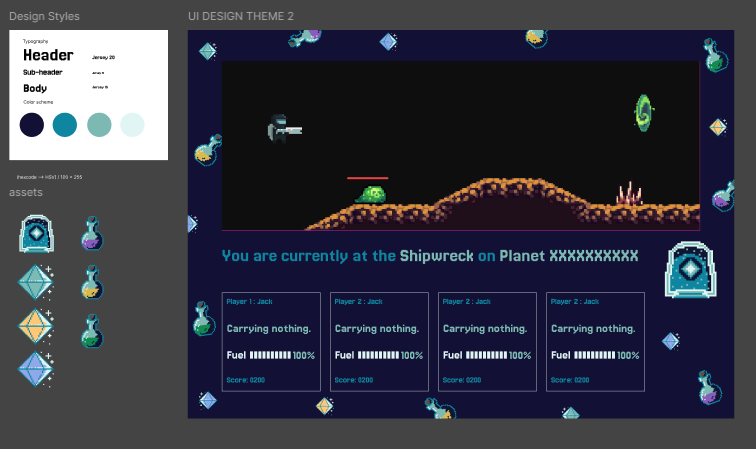
Lobby screen design iterations 2Design style & assets per theme
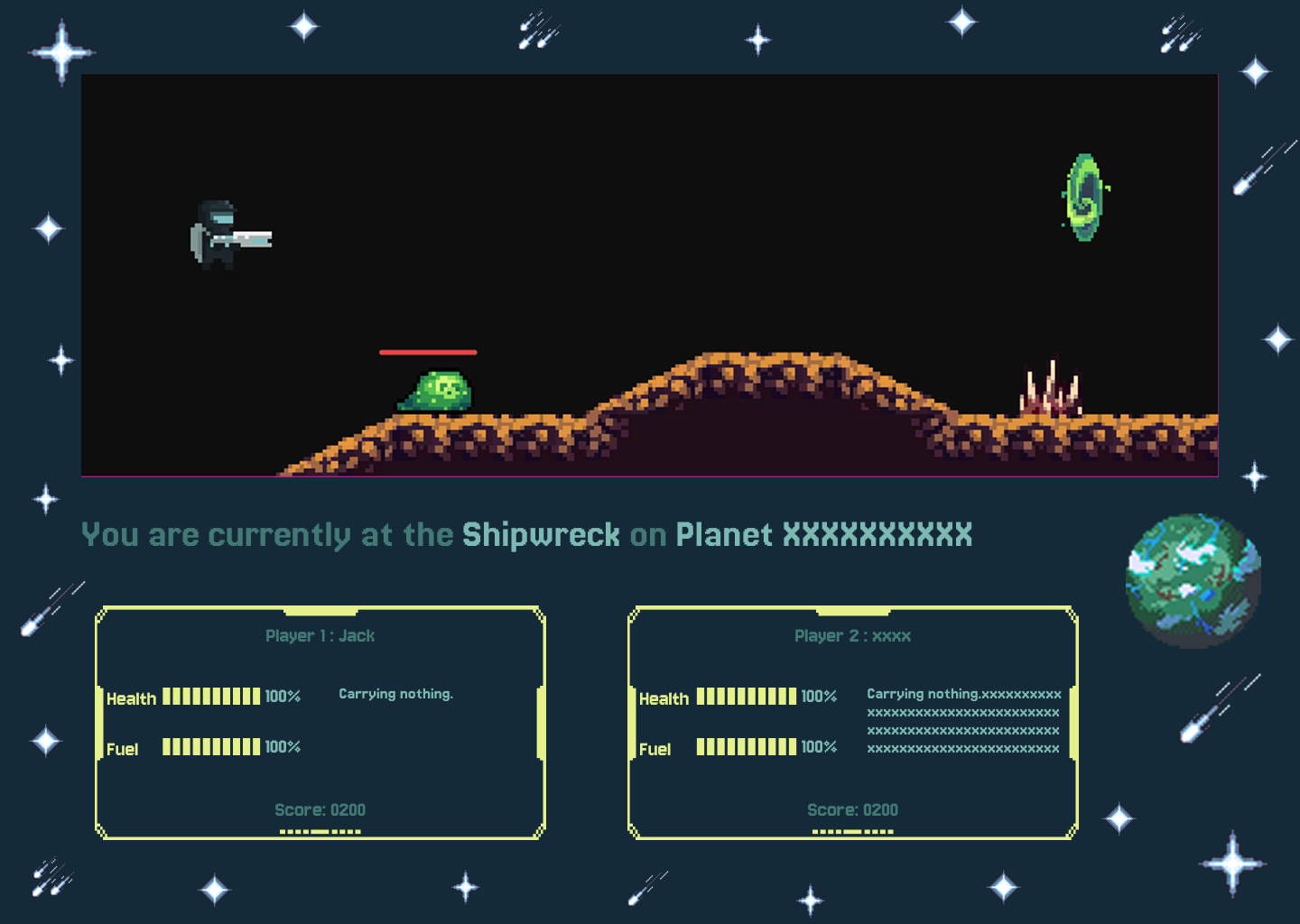
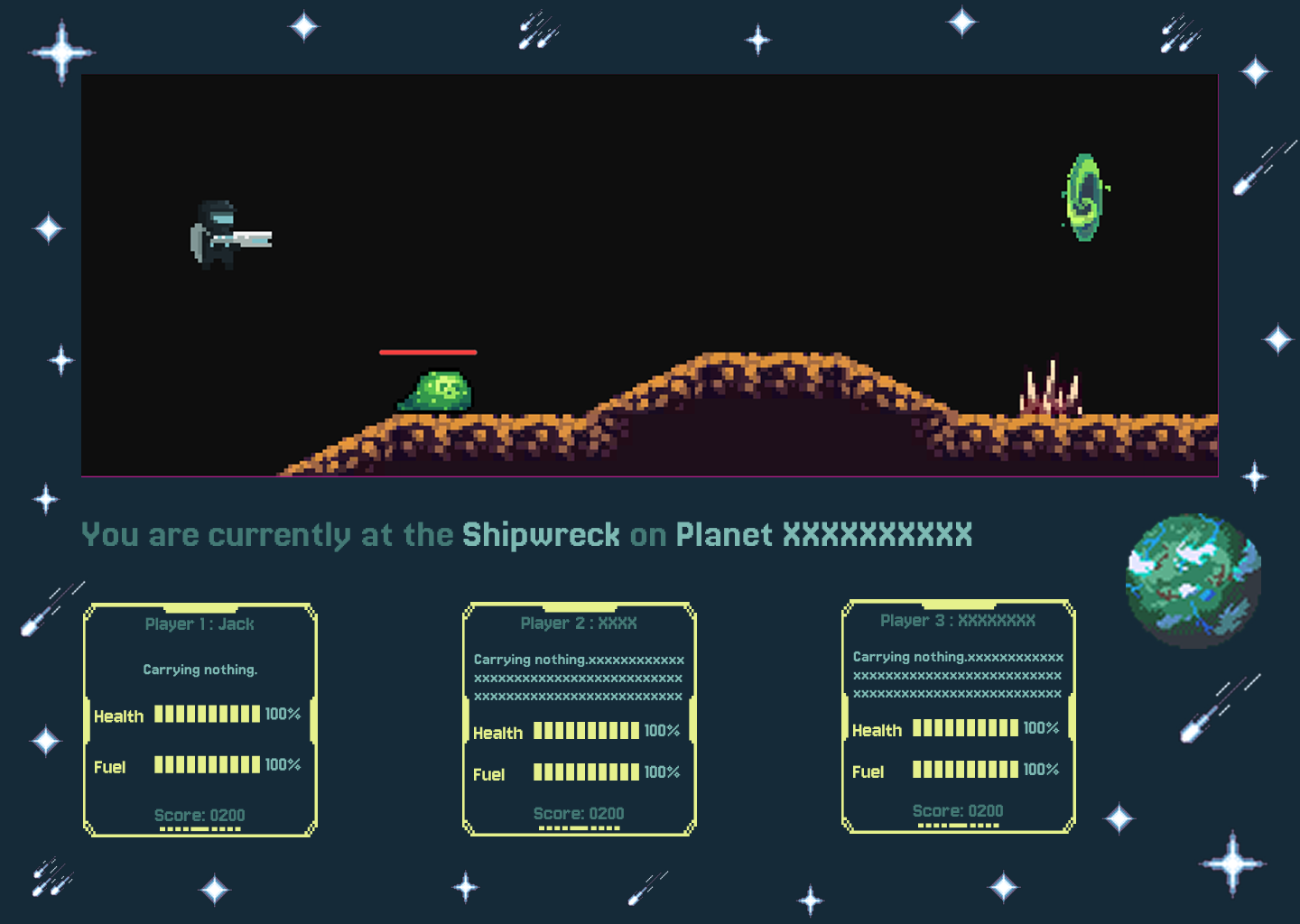
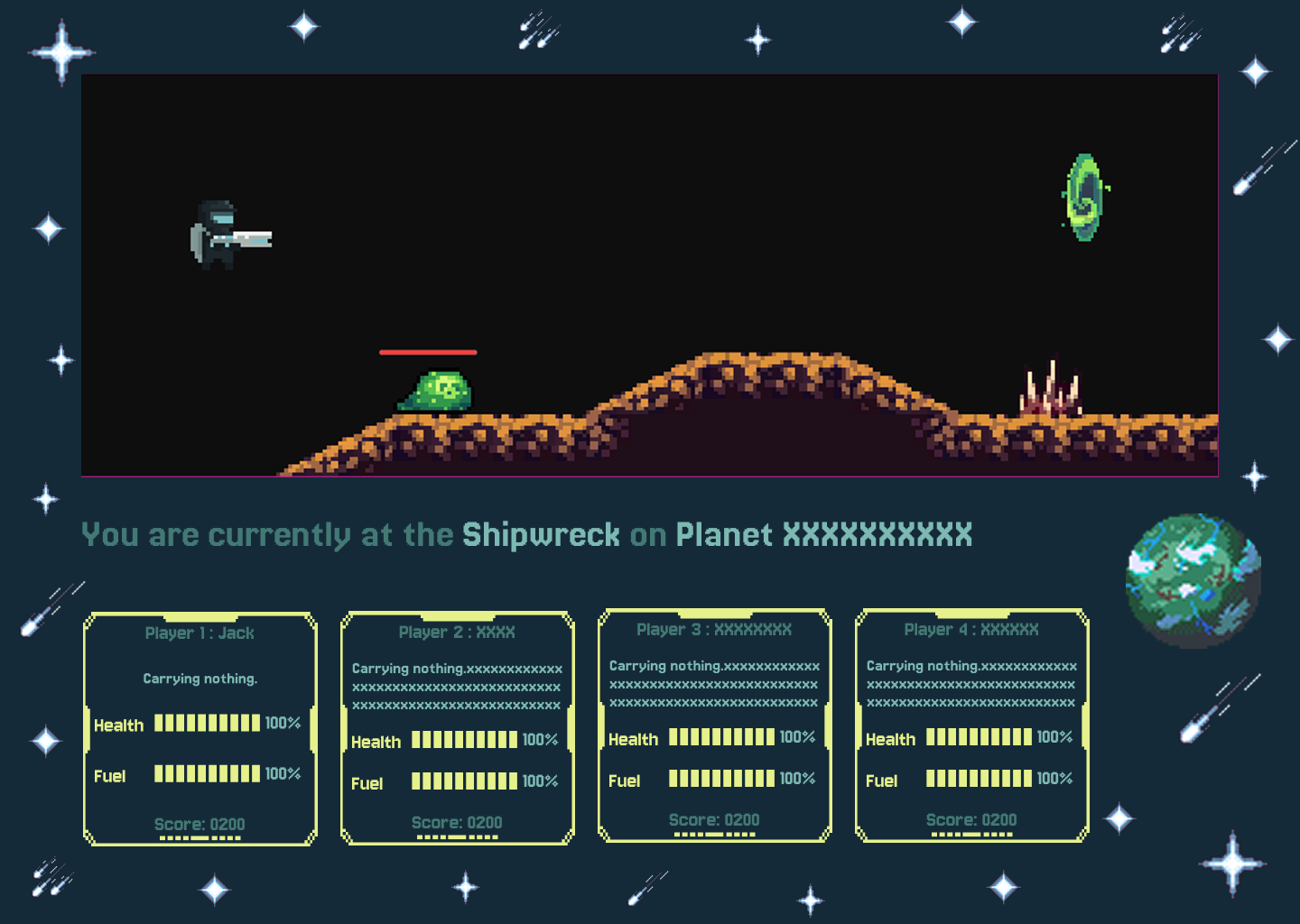
Considering continuity, creating designs for the multiple use cases of various multiplayers vs single player deisgn layout was crucial. I have kept a concious decision to do minimal changes between each view no only to decrease workload on the developer, but also gives a sense of cohesiveness for players and the game as a whole.
Single Player
UI layout and design
Duo Player
UI layout and design
3 Players
UI layout and design
4 Players
UI layout and design
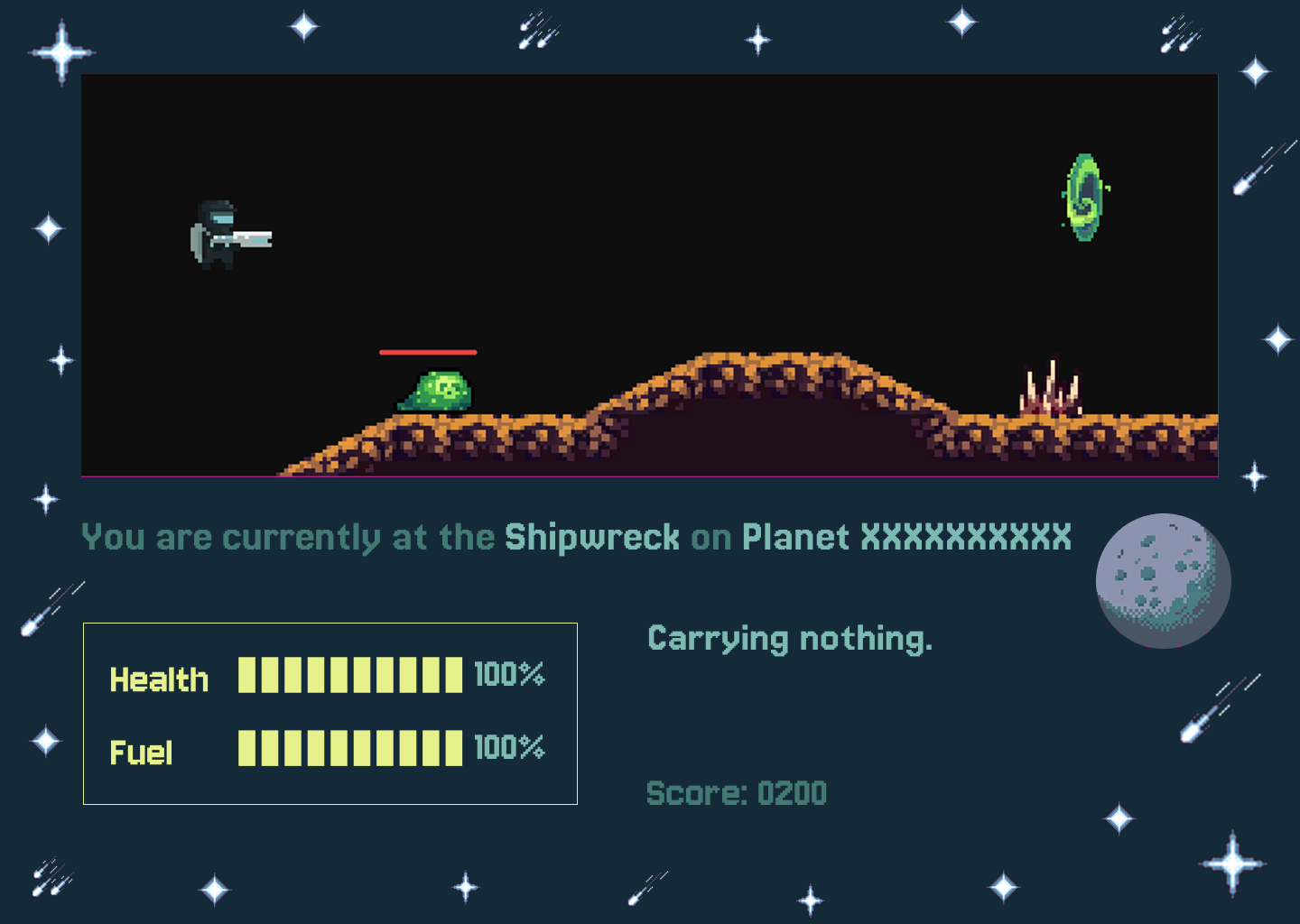
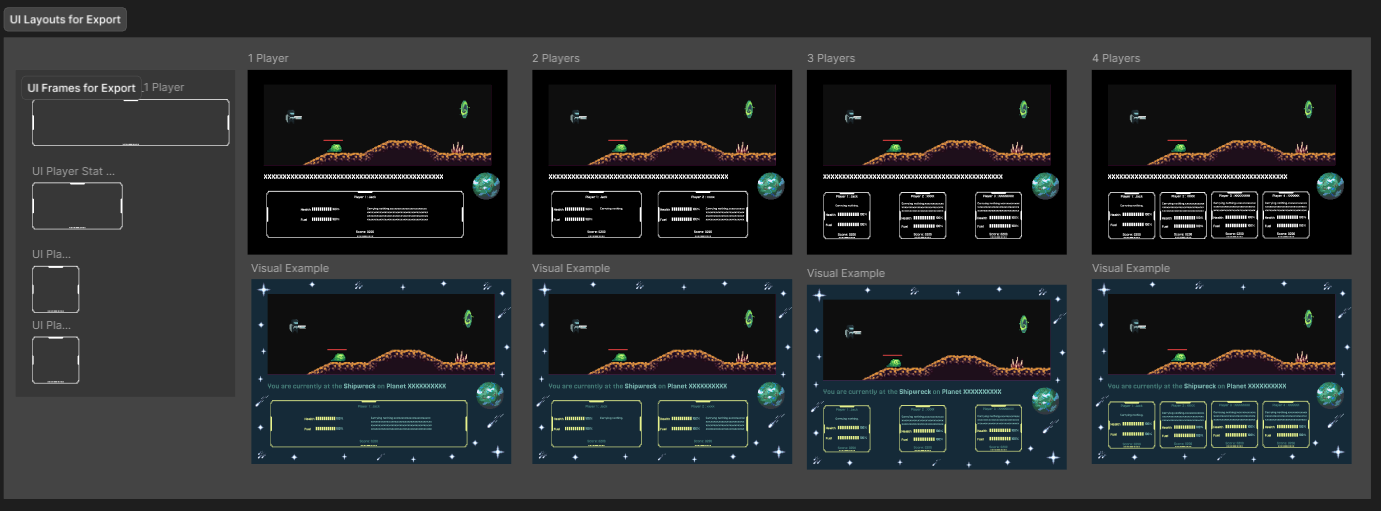
As I am collaborating with the developer directly, preparing the assets for export was key to minimlizing accidental visual errors. Ensuring that each of the graphical assets are ready to be put into the game engine so that the developer can easily change the colors of the assets fitting for whichever theme the player chooses the use, making it a more optimized way to working together and bridging the gap between developers and designers.
UI For Export with Visual Example
This has been my first time working with creating pixel art, although it has been challenging it has also been a great learning experience for me to work with color and design. It made me turn my focus on how to create interesting art details but balance it with information that is important for the user. As well as how to draw attention to what is decorative and what text information is more important. This experirence allowed me to play a lot with text hierarchy rules and layouts too.